
Video Hosting Options for Your PSL Course
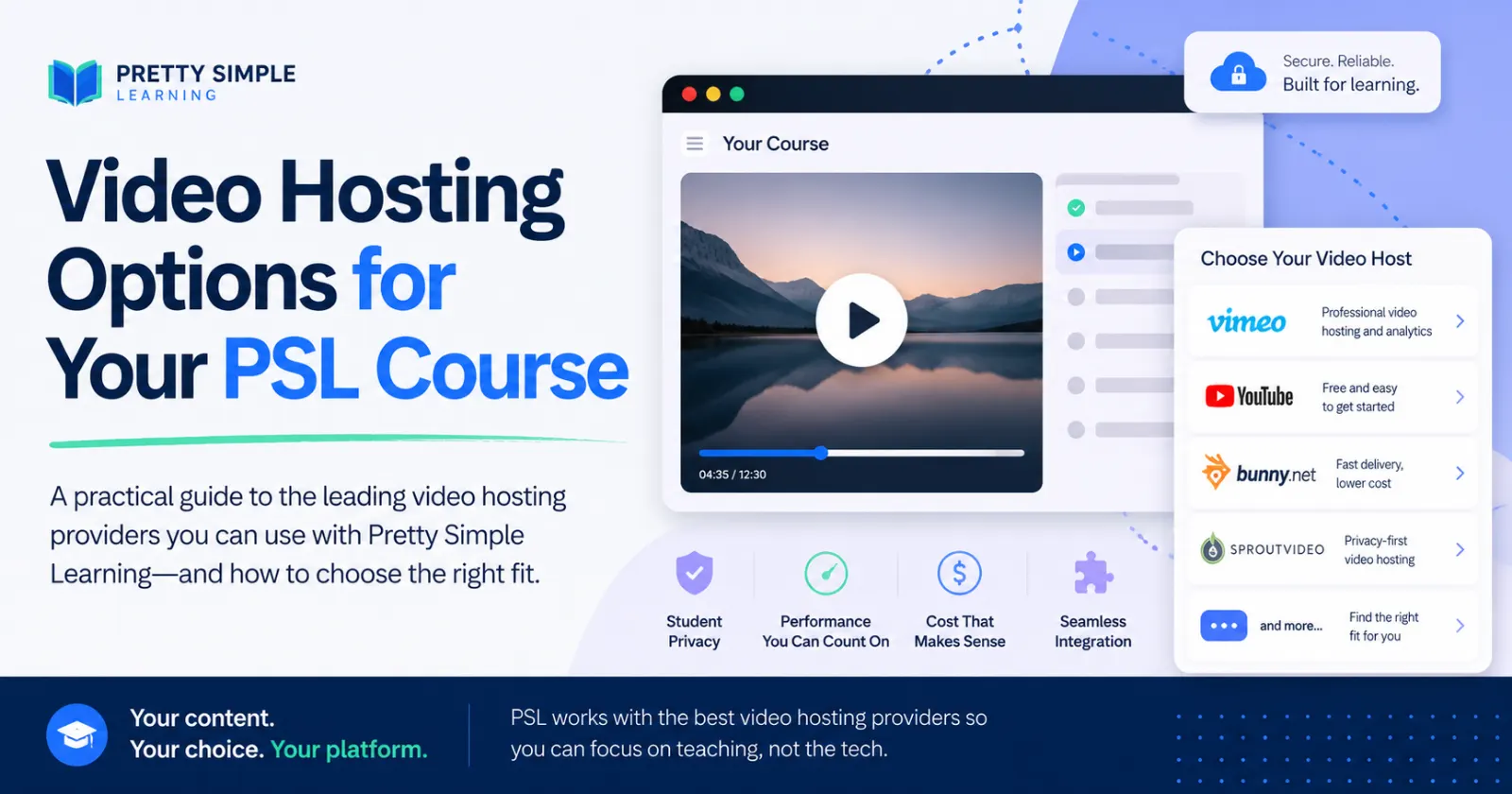
Once you know what you need from video hosting, the next question is practical: which provider should you use?
There is no single best video host for every online course. The right choice depends on your budget, student experience, technical comfort, privacy needs, and how mature your course business is.
This is not a comprehensive list or full vendor assessment. It is a practical look at several common video hosting options course creators are likely to consider, with an emphasis on how each option may fit different course needs, budgets, and launch stages.
Here are several common options course creators should understand.
YouTube: best for public and promotional content
YouTube is free, familiar, and excellent for discovery. If you want people to find your videos through search, share them easily, or watch public previews, YouTube can be useful.
But for paid course lessons, it is rarely the cleanest option. Suggested videos, ads, comments, platform branding, and external navigation can distract students from the course.
Best fit: free videos, course previews, public lessons, and marketing content.
Vimeo: the familiar professional option
Vimeo is often the first step up from YouTube. It offers a cleaner player, a more professional feel, and better fit for embedded business or educational content.
For many course creators, Vimeo is a solid starting point. It is recognizable, relatively easy to use, and widely supported by learning platforms.
The tradeoff is cost. For a brand-new course launch, Vimeo may feel like more platform than you need, especially if cash is tight and revenue is not yet proven.
Best fit: creators who want a polished, familiar, professional video host.
Bunny Stream: the low-cost embedded option
Bunny Stream is a strong option for course creators who want clean embedded video at a lower cost. It is more infrastructure-oriented than social-platform-oriented, which means it focuses on storage, delivery, playback, and embedding.
That can make it a good fit for budget-sensitive course launches. The student gets a clean player, and the creator avoids YouTube-style clutter.
The tradeoff is that Bunny may feel less familiar to nontechnical users. It may be easier to adopt when supported by a platform integration or implementation partner.
Best fit: low-cost course video hosting with clean playback.
SproutVideo: the practical middle ground
SproutVideo sits in a useful middle lane. It is cleaner than YouTube, more business-focused than consumer video platforms, and generally easier for nontechnical clients to understand than infrastructure-first options.
It offers a professional embedded player, privacy controls, and a business-friendly dashboard. For many small businesses and independent trainers, that combination may be enough.
The tradeoff is that it may cost more than Bunny as usage grows, but it may also be easier for clients to manage.
Best fit: creators who want a clean, business-friendly video host without too much technical complexity.
Wistia, Spotlightr, and Cloudflare Stream
Wistia is excellent when video is part of a broader marketing and lead-generation strategy. It is polished and powerful, but may be more than you need for basic course lesson hosting.
Spotlightr is worth considering for course creators who care about branded playback and content protection features.
Cloudflare Stream is a strong technical option for custom platforms and developer-led projects, but it may be less approachable for nontechnical course creators managing videos directly.
Native platform video hosting
Some creators want everything in one place: courses, students, progress tracking, and video hosting. Native video hosting can be convenient because it reduces the number of tools to manage.
The downside is cost. Video storage and delivery have real infrastructure costs, so native hosting is often better treated as a premium convenience option rather than the default for every course creator.
A practical comparison
Option | Best fit | Watch-out |
|---|---|---|
YouTube | Free and public videos | Too much clutter for paid courses |
Vimeo | Professional embedded video | May cost more than a new launch needs |
Bunny Stream | Low-cost clean playback | Less familiar to nontechnical users |
SproutVideo | Business-friendly middle ground | May cost more than Bunny |
Wistia | Marketing and lead generation | Often overbuilt for lesson hosting |
Spotlightr | Course-focused video delivery | Compare plan limits carefully |
Cloudflare Stream | Custom technical platforms | More technical to manage |
Native hosting | One dashboard and deeper integration | Usually a premium option |
The best starting point
For most new course launches, start with a clean, affordable provider that does not distract the student and does not drain the budget. Here is how I look at these choices:
Use YouTube for public marketing content.
Use Vimeo when polish and familiarity matter.
Use Bunny when cost control is the top priority.
Use SproutVideo when you want a practical, client-friendly middle ground.
Consider native hosting when convenience and integration matter more than lowest cost.
The right provider is the one that fits the course you are building now, while leaving room to grow later.
If you have questions about this, just let us know -- we'd be happy to help!