
How to Use the Video Hosting Decision Worksheet
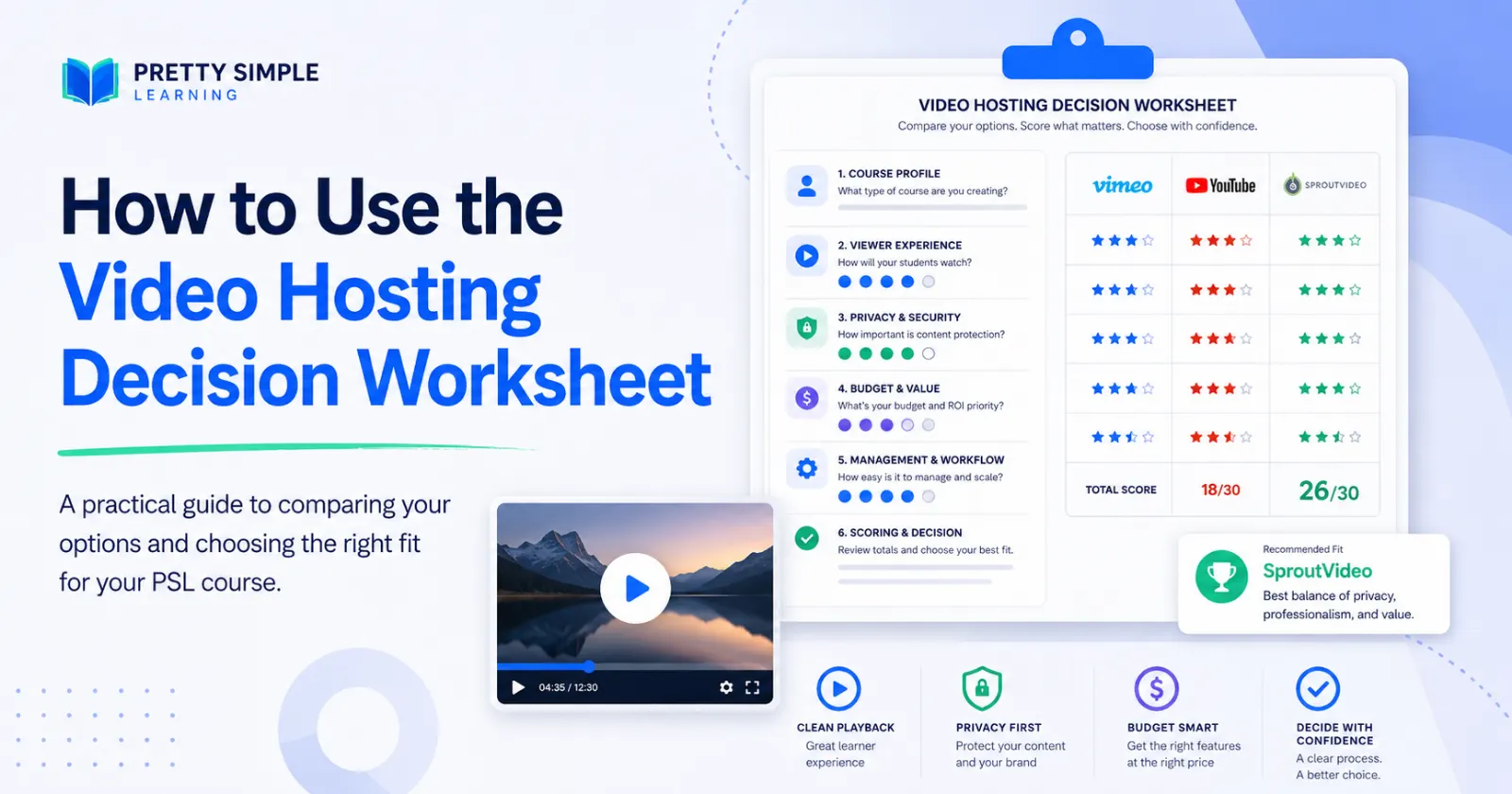
Choosing a video host for your online course can feel more complicated than it should.
At first, it seems like a simple question: Where should the videos live?
But once you start comparing options, the decision quickly expands:
Do you need a clean player?
How private should the videos be?
Are you trying to avoid YouTube clutter?
Do you prefer predictable monthly pricing or usage-based billing?
Who will actually upload and manage the videos after the course launches?
That is why we created the Course Video Hosting Decision Worksheet. You can find the worksheet as a free download at the bottom of the page -- no registration or login required!
The worksheet is not meant to make the decision for you. It is meant to help you think through the decision clearly, compare options consistently, and choose a video hosting approach that fits your course right now.
Start with the course, not the provider
Before comparing platforms, begin with your course launch profile.
How many videos do you have? How long are they? How many students do you expect in the first 90 days? How many might you have in the first year? Are the videos part of a paid course, free course, or a mix of both?
These questions matter because a small course launch has different needs than a mature training program. A course with five short videos and 25 early students should not be evaluated the same way as a course library with hundreds of students and dozens of hours of video.
The goal is to avoid overbuying too early — but also avoid choosing something that creates friction immediately.
Define the viewer experience
Next, use the worksheet to think about what students should experience when they press play.
If your course is paid, professional, or part of a branded learning experience, a clean player may matter a lot. You may want to avoid ads, suggested videos, public comments, external navigation, or anything else that pulls attention away from the lesson.
This is where many creators realize that “free” is not the same thing as “best fit.” YouTube can be useful for public videos, previews, and marketing content. But inside a course, the goal is focus.
Your video host should support the learning experience, not compete with it.
Clarify privacy and protection needs
Not every course needs the same level of protection.
Some videos can be public. Some only need to be unlisted. Others should be embedded only inside the course. In some cases, you may want password protection, domain restrictions, login-based access, or more advanced controls.
The worksheet helps you name what you are actually trying to prevent.
Are you mainly trying to avoid casual sharing? Are you protecting paid content? Are you dealing with sensitive training material? Are you trying to prevent serious misuse?
Those are different problems, and they may point to different hosting choices.
Set a real budget comfort zone
Video hosting should fit the stage of the course.
The worksheet asks for both a monthly budget target and a monthly budget maximum. That distinction is important. Your target is what feels comfortable. Your maximum is what you could tolerate if the platform is clearly the right fit.
You will also want to decide whether you are comfortable with usage-based pricing. Some providers may be very affordable, but their costs depend on storage, bandwidth, or viewing volume. Others use more predictable monthly plans, which may feel easier to manage even if they cost more.
Neither model is automatically better. The right choice depends on your tolerance for variable costs and how much clarity you need before launch.
Be honest about who will manage the videos
A video host is not only a purchasing decision. It is also an operations decision.
Someone has to upload videos, organize them, update them, replace them, manage captions, check privacy settings, and troubleshoot problems.
If the course owner is managing everything alone, ease of use may matter more than technical flexibility. If a developer or platform team is involved, a more technical option may be reasonable. If a virtual assistant or marketing team will manage the content, a clear dashboard and simple workflow may matter most.
The best platform on paper is not always the best platform for the person who has to use it every week.
Score each provider consistently
Once you understand your needs, use the worksheet’s comparison table to score each option from 1 to 5.
Score each provider across the same categories: cost fit, clean player, ease of use, privacy and security, course fit, marketing features, and overall fit.
This prevents the decision from becoming too emotional or too focused on one feature. A provider may be inexpensive but difficult to manage. Another may be polished but more expensive than the course can justify. Another may have strong marketing tools but be unnecessary for basic lesson hosting.
The scoring process helps you see the tradeoffs more clearly.
Build a shortlist, then decide
After scoring, choose your top three options.
This shortlist is useful because the final decision rarely needs to include every possible video host in the market. You only need to compare the options that realistically fit your course, budget, and operating model.
Finally, choose the best fit for right now.
The “right now” part matters. Your first video host does not have to be your forever video host. A new course launch may need a simple, affordable starting point. A growing course may later justify stronger analytics, deeper integration, or native platform hosting.
Make the decision reviewable
The final section of the worksheet asks what would cause you to upgrade or switch later.
That may be the most important question in the whole exercise.
Instead of treating the decision as permanent, treat it as a practical operating choice. Set a review date. Name the decision owner. Write down what would trigger a change.
For example, you might review your video hosting choice after 90 days, after the first 100 students, or after the course reaches a specific revenue target.
That way, you are not guessing forever. You are making a smart decision for the current stage, with a clear path to revisit it when the facts change.
The goal is fit, not perfection
The best video hosting choice is not always the biggest platform, the cheapest platform, or the one with the most features.
The best choice is the one that fits your course, your students, your budget, and your ability to manage it.
Use the worksheet to slow the decision down just enough to make it clearly. Then choose a provider, launch the course, and keep your attention where it belongs: on helping students learn.
If you have any questions about it, just send us a message!